Add employees
The employee register is the foundation — every module hangs off it.
Everything in OHS is attached to a person or a place: health checks, workstation assessments, statutory roles, trainings. So the first real task in a new workspace is filling the employee register.
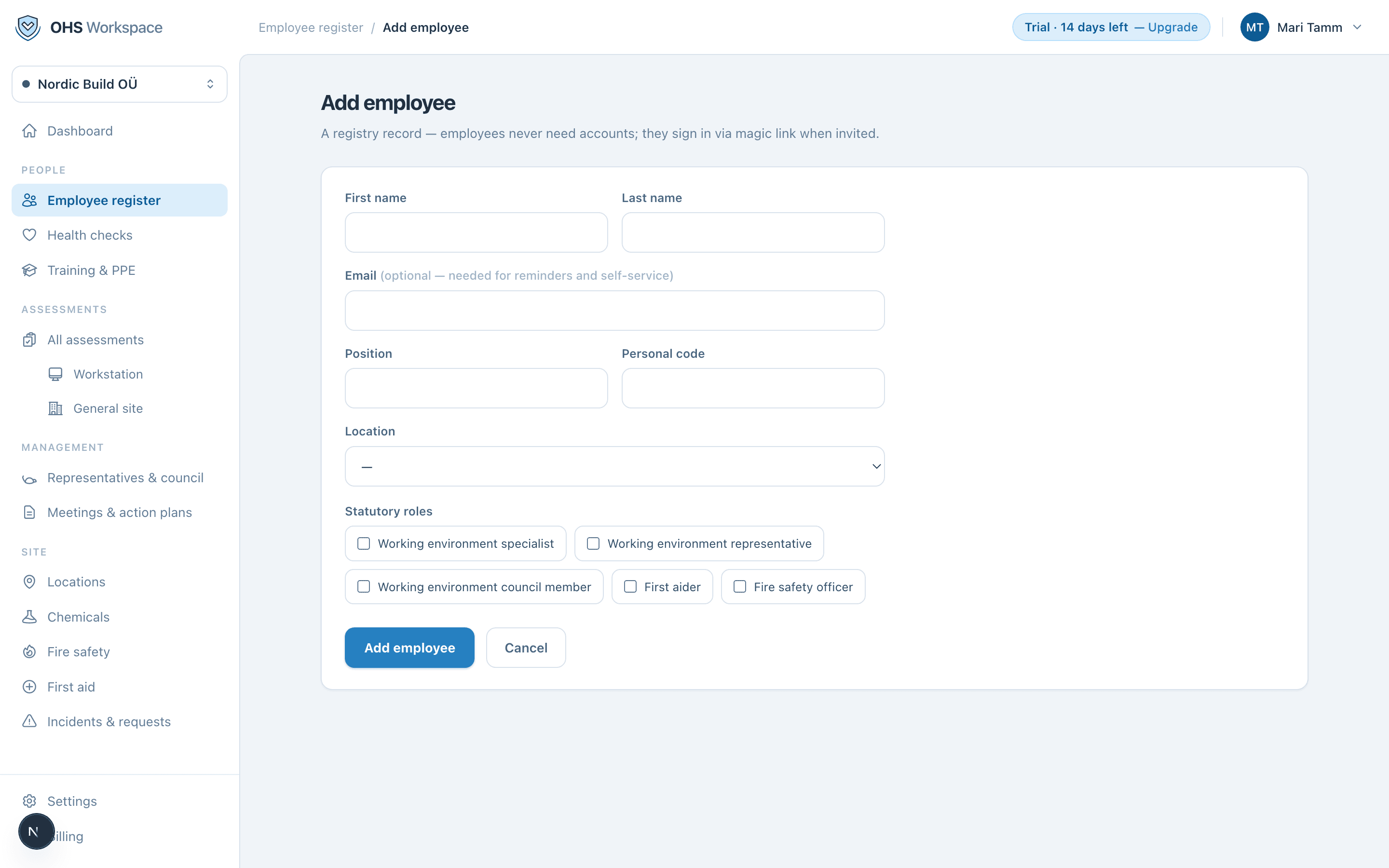
- 1Go to People → Employee register
Then choose Add employee.
- 2Fill in the basics
First and last name, work email, personal code, position, and location. The work email is what the employee uses to sign in to the employee portal and where their reminders go.
- 3Assign statutory roles (optional)
Working-environment specialist, first aiders, fire marshals and other statutory roles are assigned on the employee — so the register also answers who is responsible for what.
Adding many people at once
If your people are already in an HR system or a spreadsheet, don't type them in — use the CSV import. It maps your columns, shows a dry-run diff, and applies the changes in one step.
Everything in these docs is a 14-day free trial away — no card needed.