Company settings & locations
Company profile, default language, your company code, and the locations that scope everything.
Company profile
Settings → General holds the company name and the default language — used for employee emails and the portal whenever a person has no language of their own. Only owners and admins can change company settings.
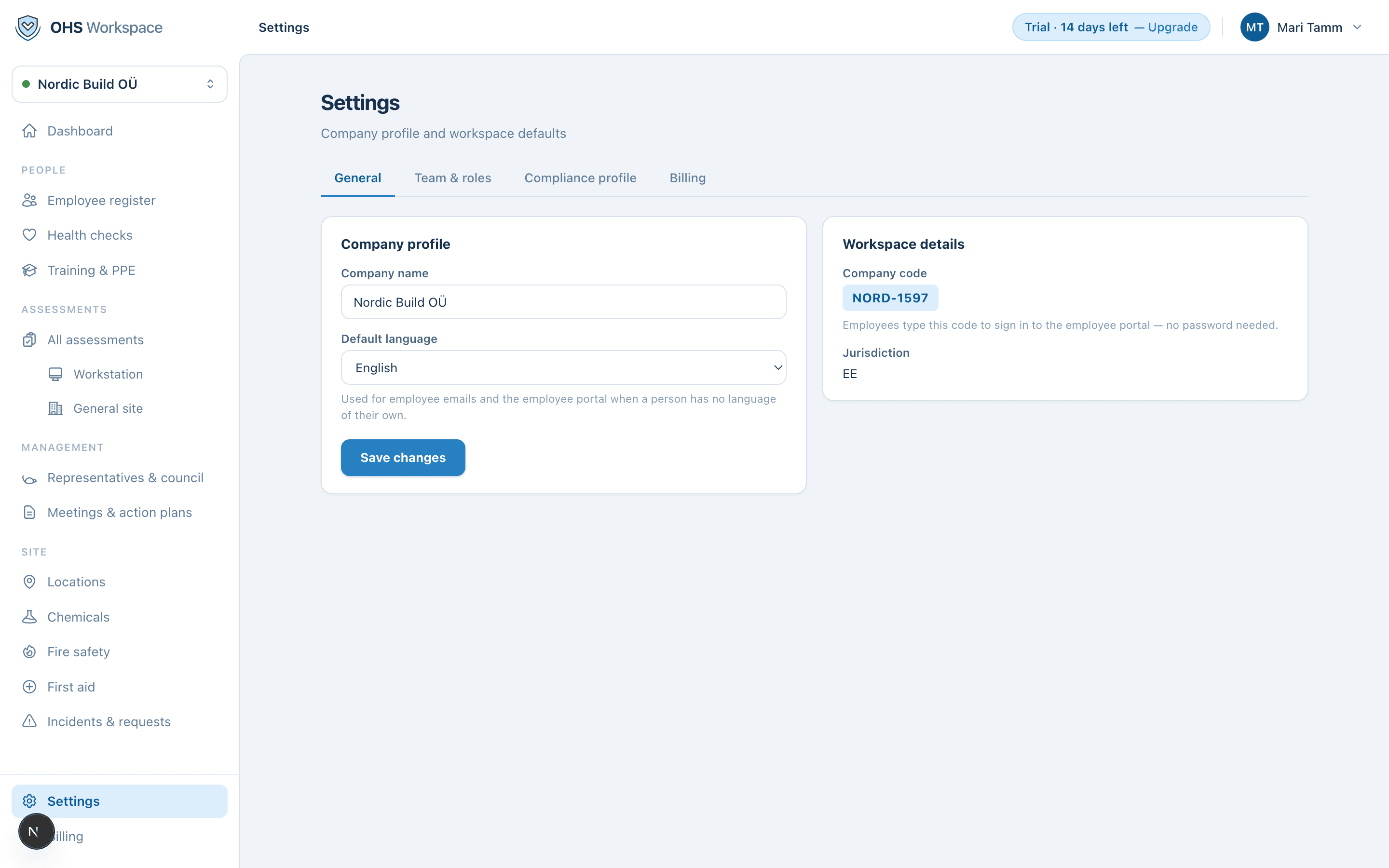
Workspace details
The same page shows your company code — the short code employees type to sign in to the portal — and your jurisdiction, which decides the templates, statutory roles and reminder rules your workspace uses.
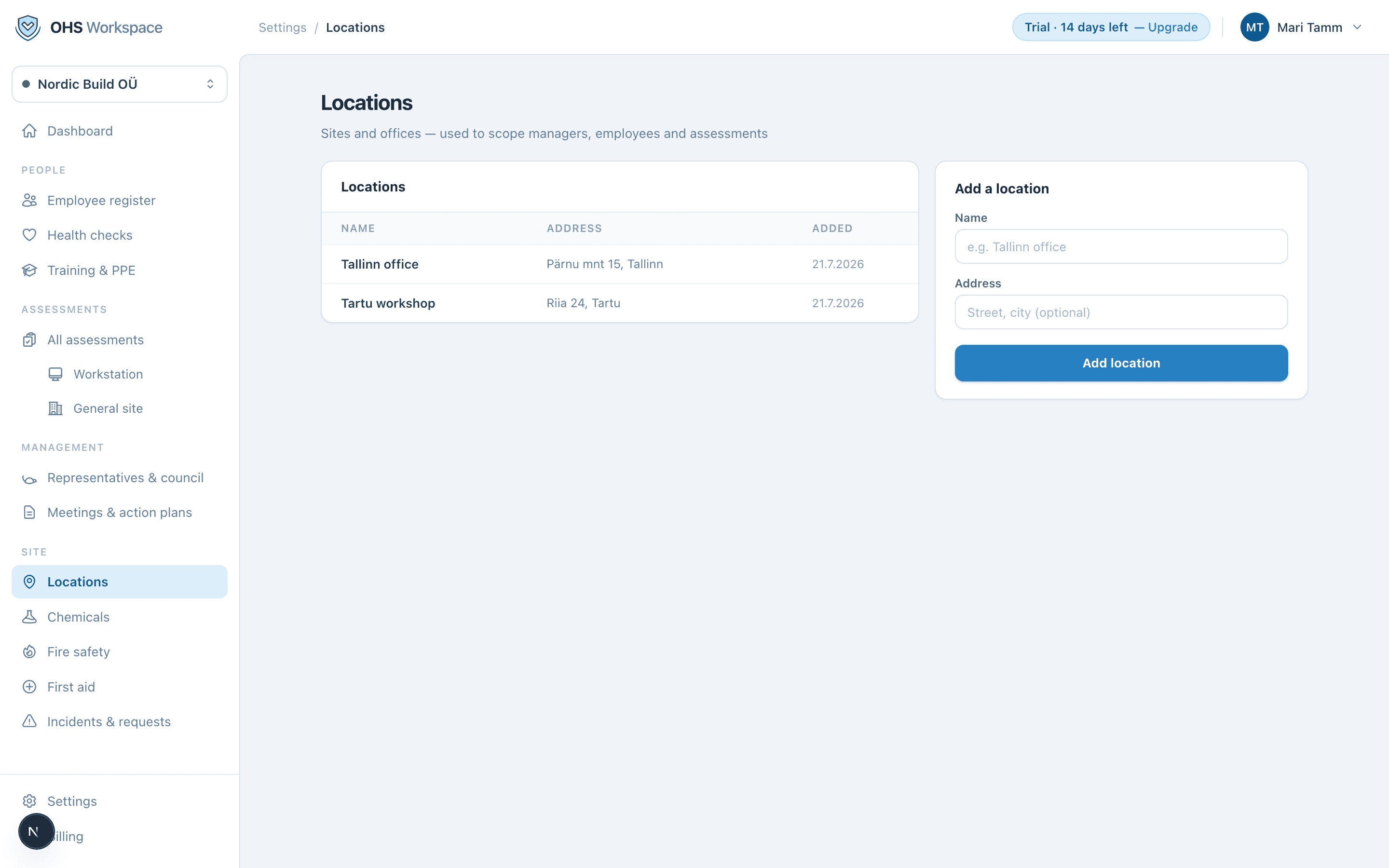
Locations
Settings → Locations lists your sites and offices. Locations scope three things: employees (who works where), site assessments (what gets assessed), and managers (who sees which sites). Add a location with just a name — the address is optional.
Everything in these docs is a 14-day free trial away — no card needed.