How the assessment engine works
Templates, conditional logic, Fine–Kinney scoring, autosave, and immutable submissions.
Every assessment in OHS — workstation, site, and the modules that follow — runs on one engine. Understanding it once explains all of them.
Templates
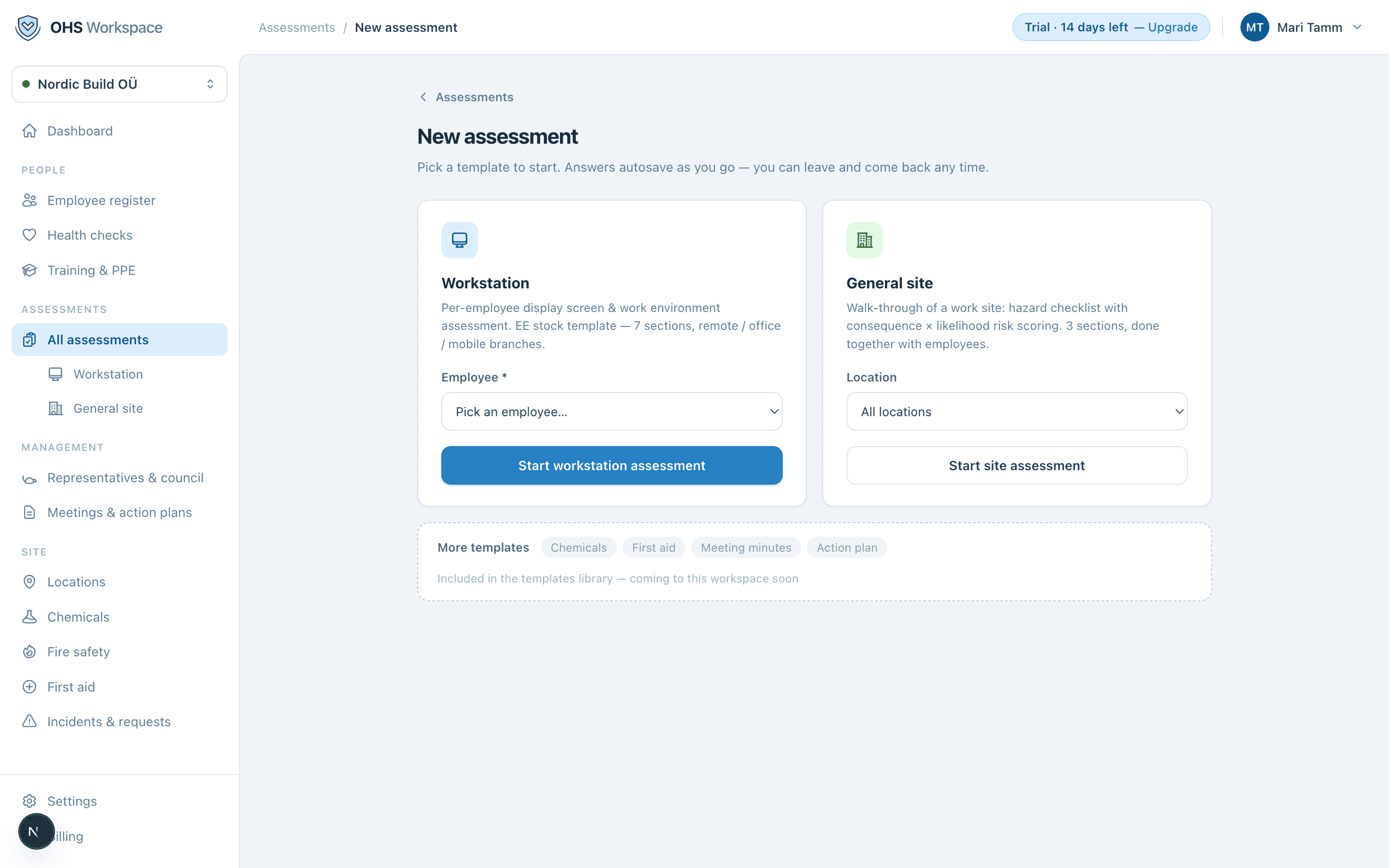
A template defines sections, questions, field types, and scoring rules. Your jurisdiction decides which stock templates the workspace starts with. Stock templates are starting points — your specialist reviews and adapts them; they're not legal advice and not "pre-approved".
Conditional logic
Questions and whole sections can depend on earlier answers — answer “remote work” and the office ergonomics section never appears. Shorter forms get finished; forms that ask everything of everyone don't.
Risk scoring
Hazards are scored with the Fine–Kinney method: you set consequence and likelihood, the score computes live, and lands in a band — acceptable, adequate, tolerable, or unacceptable. Bands make the result comparable across assessments and give the dashboard something honest to count.
Autosave and submission
Everything autosaves — an assessment in progress can be picked up days later. When it's complete, a named person submits it. Submitted assessments are immutable: corrections create a new revision instead of silently editing the old one, so what was signed on a date stays what was signed on that date.
Everything in these docs is a 14-day free trial away — no card needed.