Workstation assessments
Per-employee display screen & work environment assessment on the guided form.
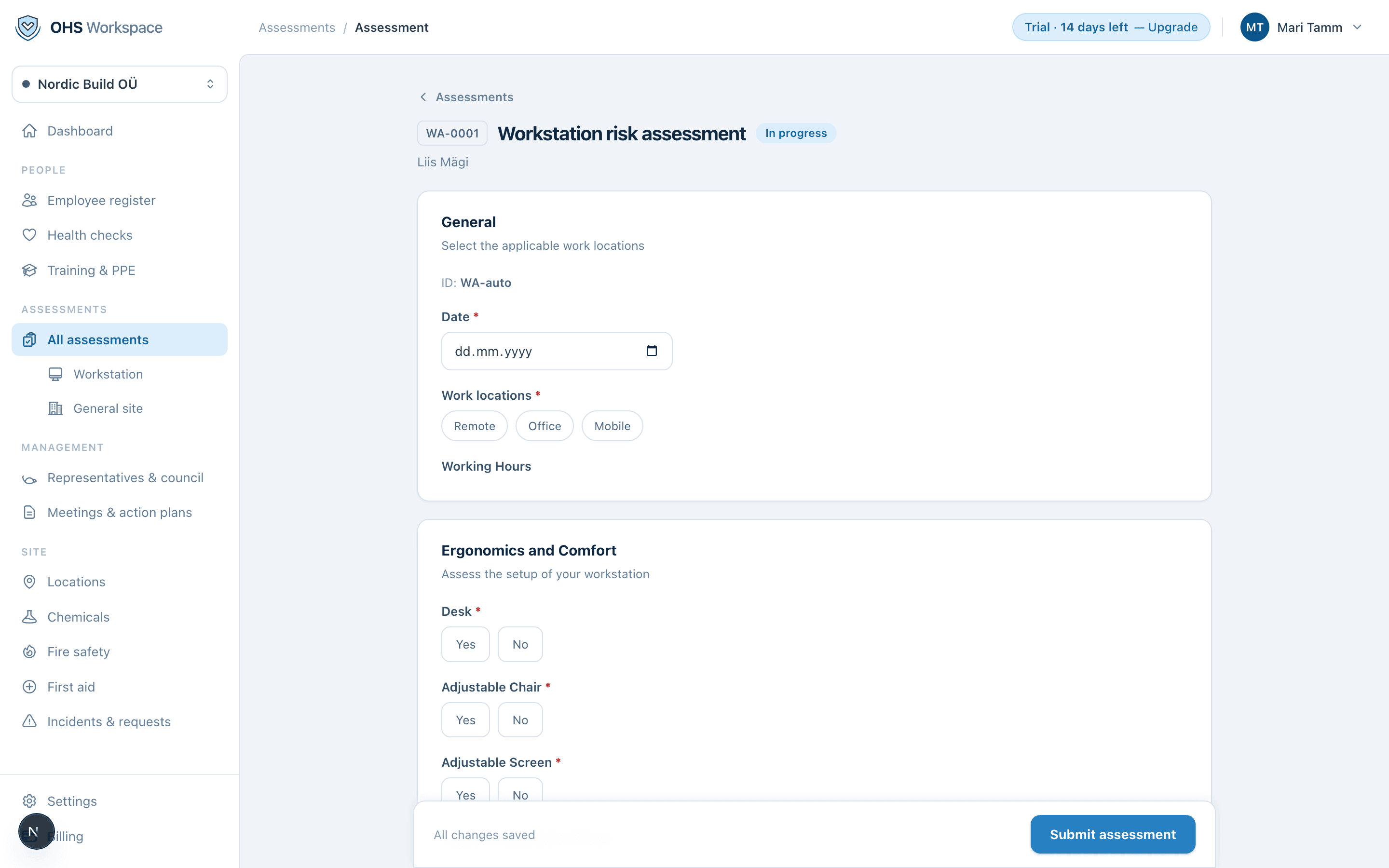
A workstation assessment is made per employee. The stock Estonian template covers display screen work and the working environment in 7 sections, and branches for remote, office, and mobile work — the employee's actual situation decides which questions appear.
- 1Start from a template
Assessments → New assessment → pick the workstation template and the employee.
- 2Fill the guided form
Answers autosave as you go — leave and come back any time. Conditional sections appear based on earlier answers, so nobody wades through irrelevant questions.
- 3Score the risks
Where a hazard needs scoring, you set consequence × likelihood and the Fine–Kinney result computes as you type, with the band shown immediately: acceptable, adequate, tolerable, or unacceptable.
- 4Submit
A named person submits the assessment. Submitted assessments are locked — see the assessment engine for how revisions work.
Everything in these docs is a 14-day free trial away — no card needed.