How employees sign in
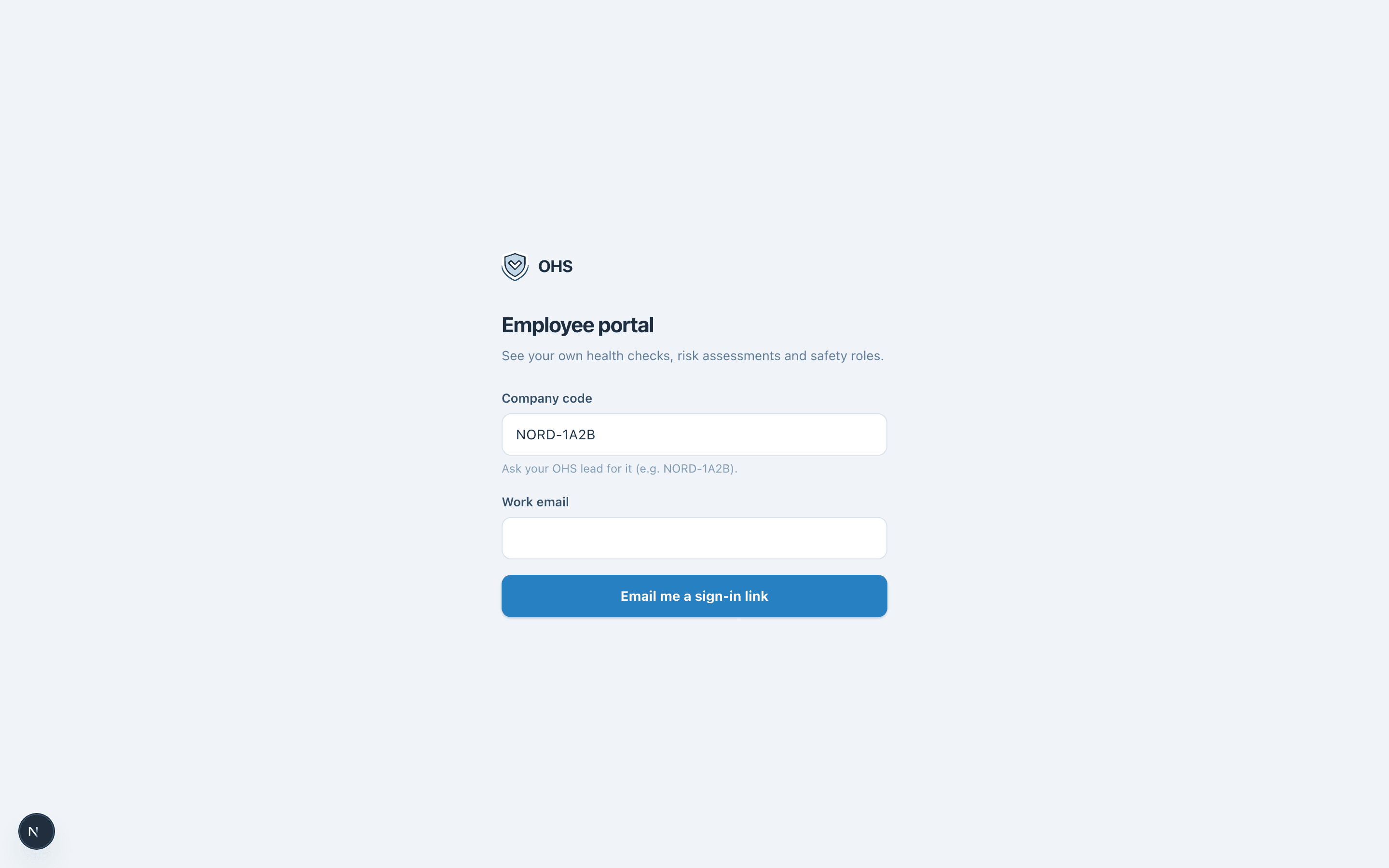
Company code + work email → a sign-in link. No accounts, no passwords, nothing to install.
Employees never get accounts or passwords. The portal gives every person in the register self-service access to their own safety records through a magic link.
- 1Employee opens the portal
They enter your company code (found in Settings → workspace details, e.g. NORD-1A2B) and their work email.
- 2We email a link
If the code and email match an employee, a sign-in link arrives. It works for 15 minutes and one sign-in.
- 3They see their own records
Their health checks, their workstation assessments, their safety roles — nobody else's. The session signs out automatically after 30 minutes.
Why this matters
The chase — “please confirm your health check”, “please sign this instruction” — is the part of OHS work that eats the most time. With the portal, the reminder email and the action land in the same place, in the employee's own language, with no IT setup on their side.
Everything in these docs is a 14-day free trial away — no card needed.