Create your company
From an email address to your own OHS workspace in about two minutes.
OHS is fully self-serve: no demo call, no sales process, no credit card. You register with an email address and a company name, and sign in with a magic link — there are no passwords anywhere in the product.
- 1Register
Enter your work email and company name on the registration page. We email you a sign-in link — it expires in 15 minutes.
- 2Open the link
Clicking the link signs you in and creates your workspace. Your 14-day free trial starts here — every feature included, no card required.
- 3Complete onboarding
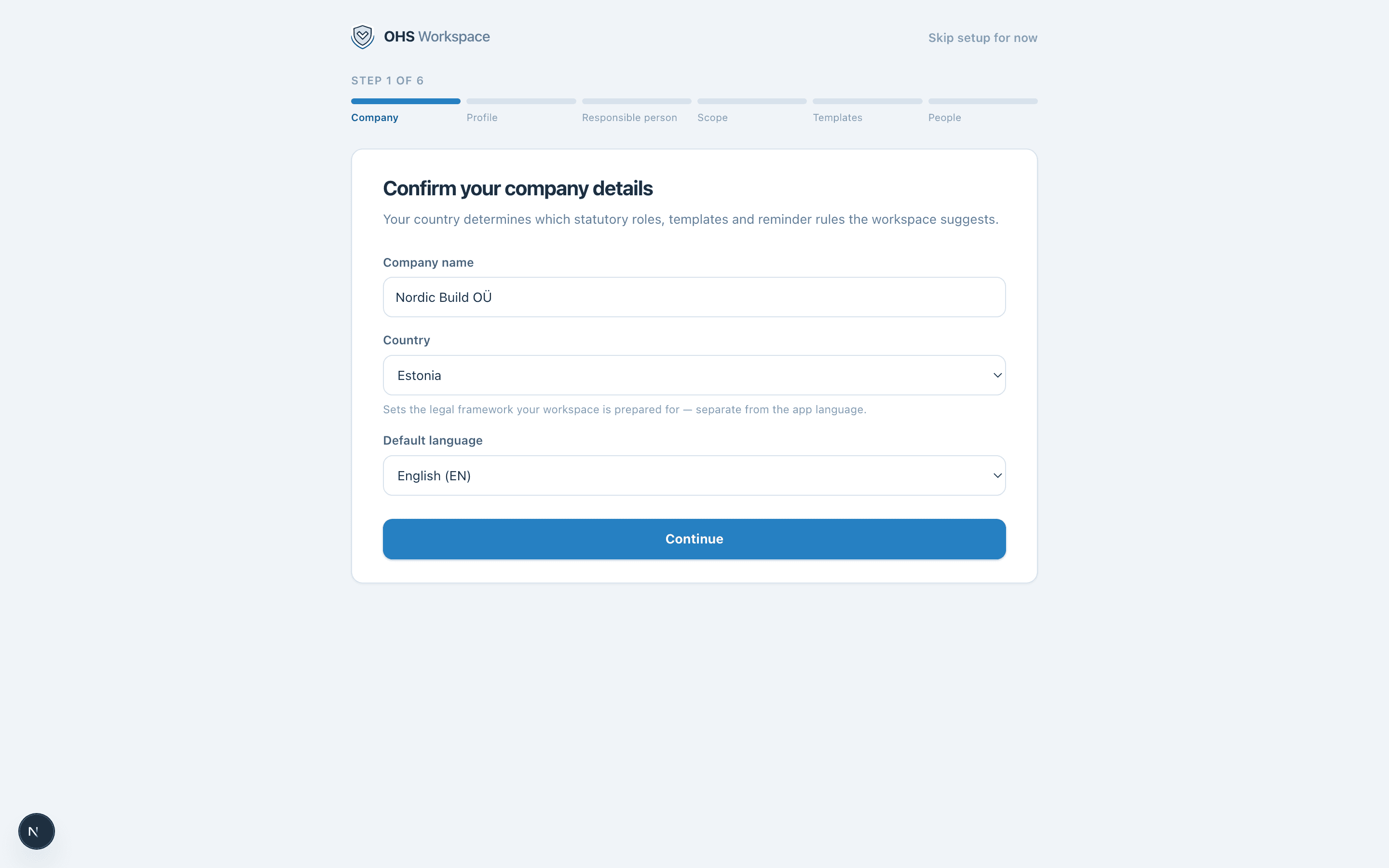
Set your company details and default language. Your jurisdiction (Estonia at launch) decides which statutory roles, assessment templates, and reminder rules the workspace speaks out of the box.
- 4Land on the dashboard
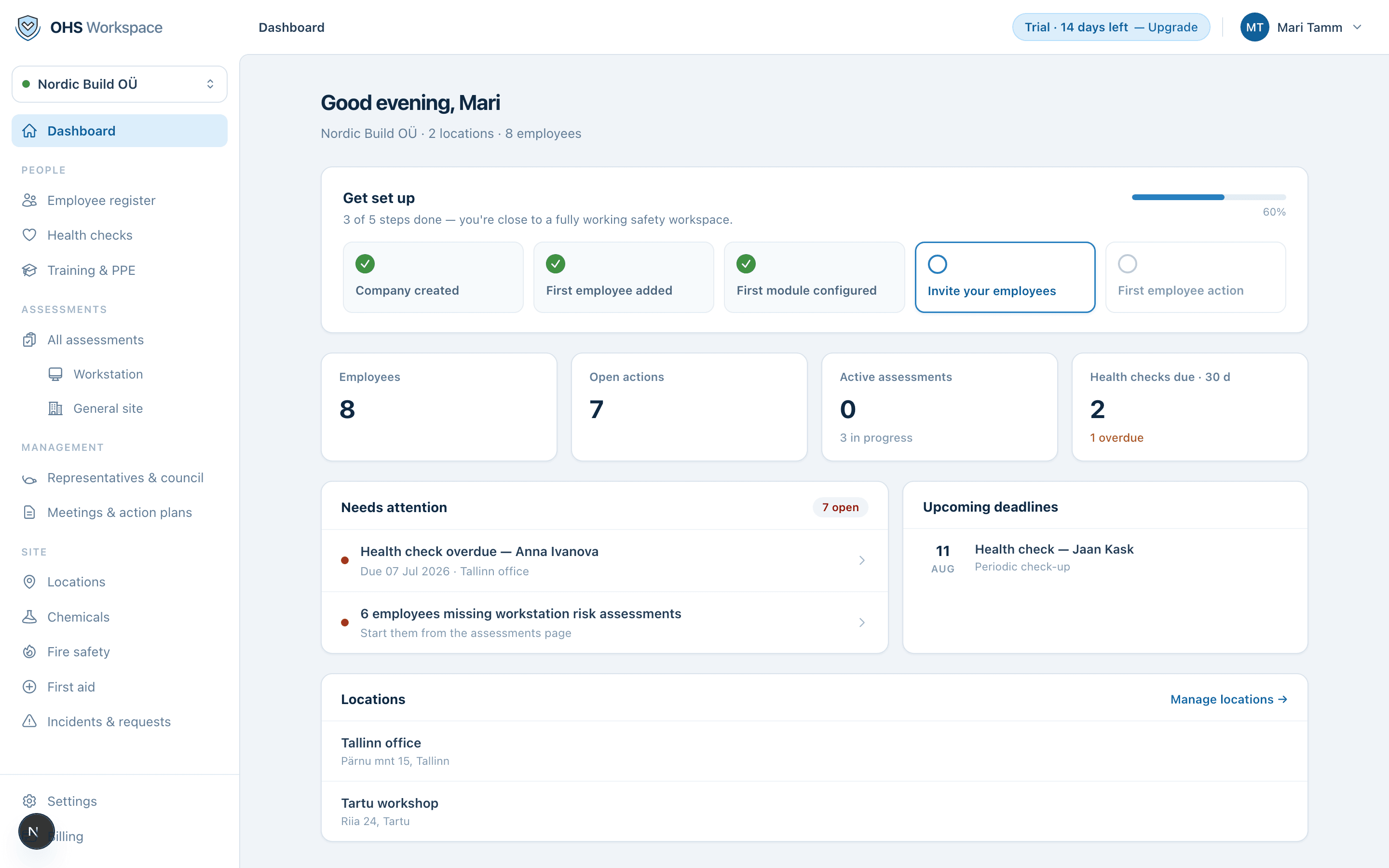
The dashboard shows open items and what to set up next. The usual first step: add your employees.
What the trial includes
The trial is the full product for 14 days. When it ends, your data stays safe and readable — the workspace becomes read-only until you pick a plan. Nothing is deleted, and safety records are never locked away. See plans & billing.
Everything in these docs is a 14-day free trial away — no card needed.