◇ Team & roles
Invite your team
Send role-scoped invites — single-use links that expire in 7 days.
1 min read
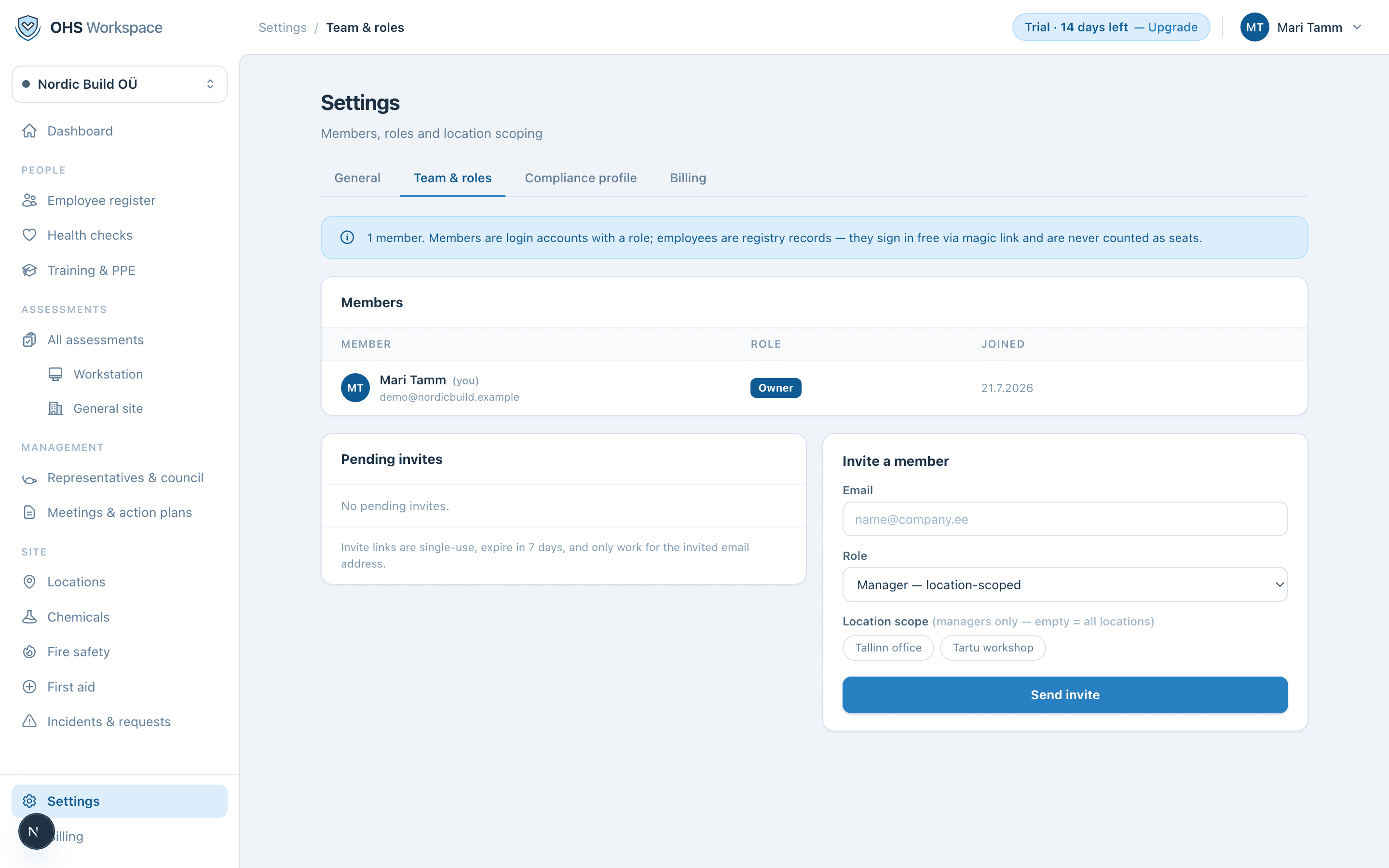
- 1Open Settings → Team & roles
The members list shows who has access today, with role and join date.
- 2Send the invite
Enter the email and pick a role. For managers, optionally set a location scope — empty means all locations.
- 3They accept
Invite links are single-use, expire in 7 days, and only work for the invited email address. Pending invites can be resent or revoked at any time.
Invites are free — members are never billed. Invite the whole safety organization: the specialist, the first aiders' coordinator, the site managers, and give the accountant read-only if they ask nicely.
See it in the app
Everything in these docs is a 14-day free trial away — no card needed.